
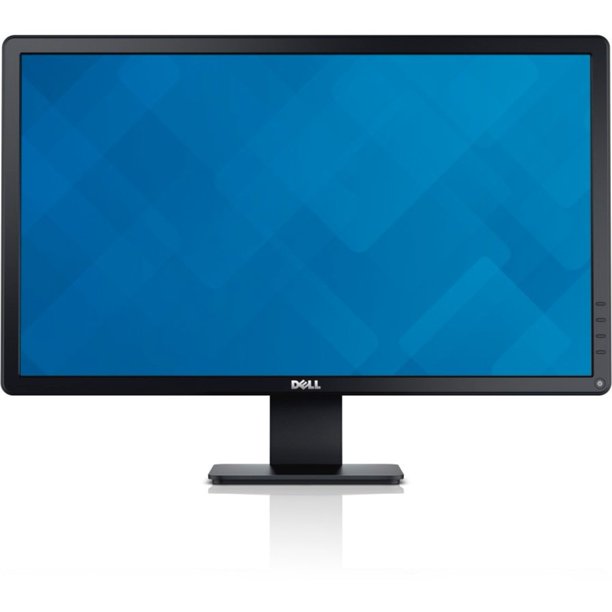
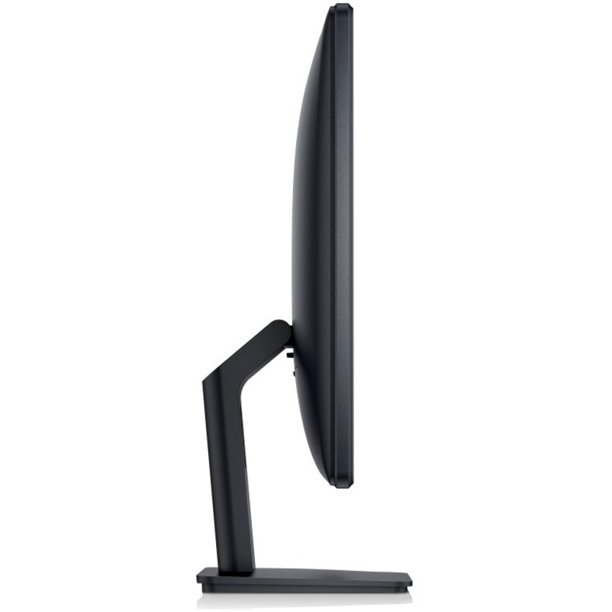
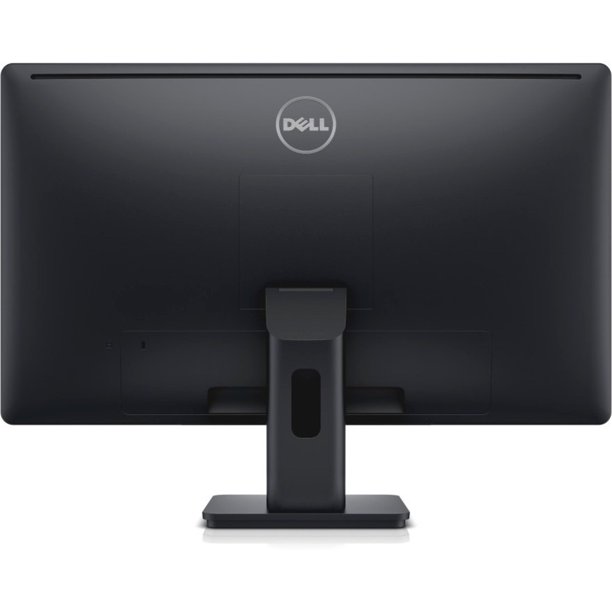
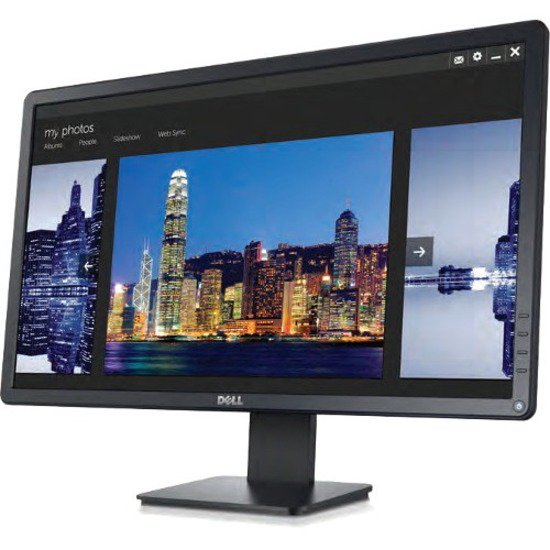
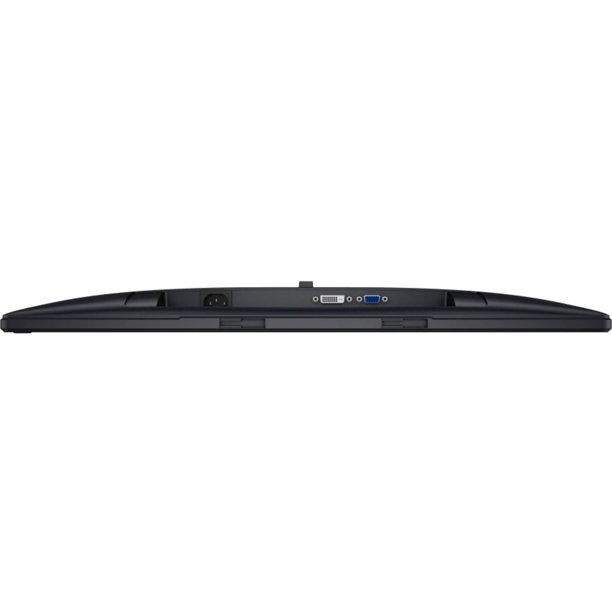
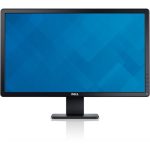
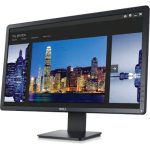
Monitor Dell E2414HT 24″ LED
140 $
Dell E2414H 24″ Full HD LED LCD Monitor, 16:9, Black
- 5 ms response time makes it excellent for latest action films, sports or gaming
- 16:9 widescreen resolution perfect for watching movies, playing video games and getting on with office work
- LED backlight technology provides for industry-leading low power consumption and less hazardous materials
- 1,000:1 contrast ratio provides great execution for displaying the darkest black and brightest white
- Enjoy crisp content and energetic hues with the 250 Nit brightness
- VESA mount compatibility allows you to mount the display on a wall or with a stand depending on your specific needs
Description
|
|||||||||
| Environmental and Regulatory | |||||||||
|
|||||||||

Related products
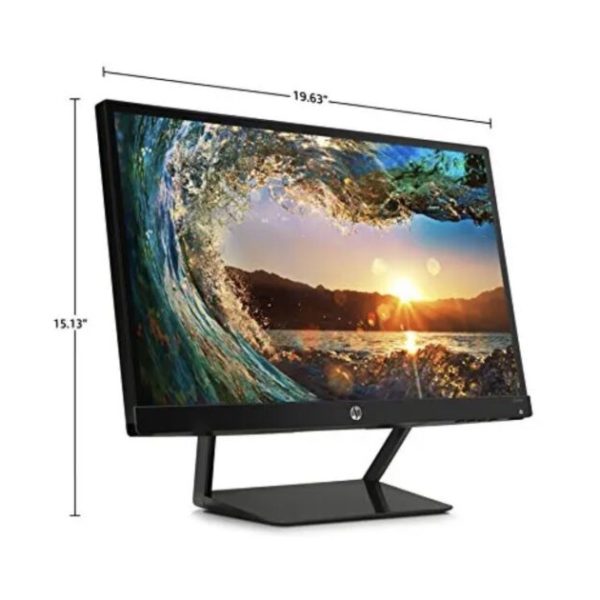
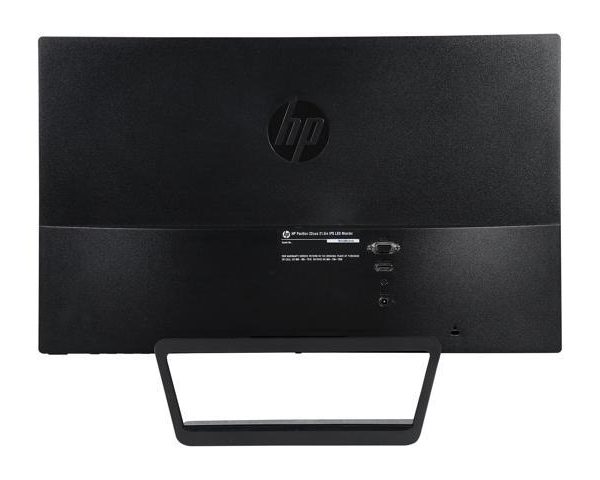
HP 22CWA 22″ LED Monitor
115 $
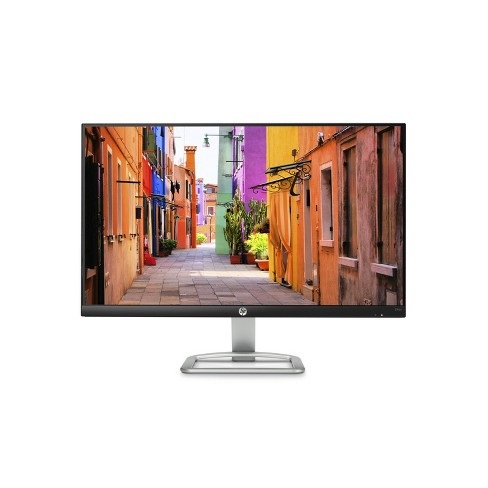
HP 24EC 24″ Ultra Slim LED Monitor
180 $
Product number(s)
1LU21AA
Technical specifications
|
LED feature
|
Specification
|
|
Display size
|
60.5 cm (23.8 in) diagonal
|
|
Display type
|
IPS with anti-glare
|
|
Brightness
|
250 nits
|
|
Color gamut
|
72%
|
|
Frequency
|
Horizontal: 30-80 kHz
Vertical: 50-60 Hz
|
|
Inputs
|
1 VGA
1 HDMI
|
|
Viewing angle
|
Horizontal viewing angle (typical): 178 degrees
Vertical viewing angle (typical): 178 degrees
|
|
Recommended resolution (H x V)
|
1920 x 1080 @ 60 Hz (Full HD)
|
|
Aspect ratio
|
16:9
|
|
Static contrast ratio
|
Up to 1000:1
|
|
Dynamic contrast ratio
|
Up to 10,000,000:1
|
|
Response time
|
14 ms on/off (typical)
7 ms gray to gray with overdrive
|
|
Power consumption
|
25 W max
|
|
Tilt
|
-5 to +25 degrees
|
|
Dimensions
|
W x D x H (unpacked):
54.1 x 18.3 x 40.9 cm (21.3 x 7.2 x 16.1 in)
|
|
Weight
|
Unpacked: 3.0 Kg (6.7 lbs)
|
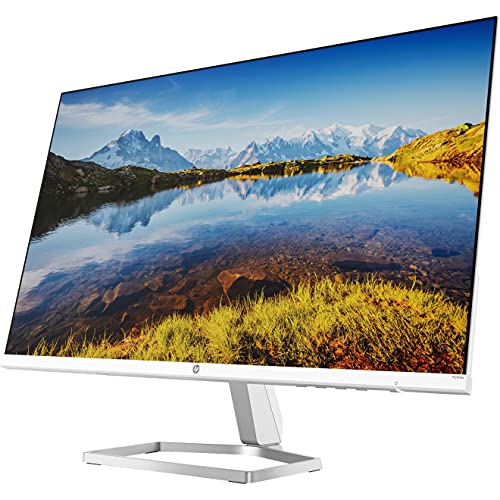
HP 24ES 24″ Ultra Slim LED Monitor
180 $
Product number(s)
1TS60AA
Technical specifications
|
LED feature
|
Specification
|
|
Display size
|
60.5 cm (23.8 in) diagonal
|
|
Display type
|
IPS with anti-glare
|
|
Brightness
|
250 nits
|
|
Color gamut
|
72%
|
|
Frequency
|
Horizontal: 30-80 kHz
Vertical: 50-60 Hz
|
|
Inputs
|
1 VGA
1 HDMI
|
|
Viewing angle
|
Horizontal viewing angle (typical): 178 degrees
Vertical viewing angle (typical): 178 degrees
|
|
Recommended resolution (H x V)
|
1920 x 1080 @ 60 Hz (Full HD)
|
|
Aspect ratio
|
16:9
|
|
Static contrast ratio
|
Up to 1000:1
|
|
Dynamic contrast ratio
|
Up to 10,000,000:1
|
|
Response time
|
14 ms on/off (typical)
7 ms gray to gray with overdrive
|
|
Power consumption
|
25 W max
|
|
Tilt
|
-5 to +25 degrees
|
|
Dimensions
|
W x D x H (unpacked):
54.1 x 18.3 x 40.9 cm (21.3 x 7.2 x 16.1 in)
|
|
Weight
|
Unpacked: 3.0 Kg (6.7 lbs)
|
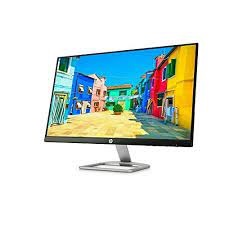
HP V22 22″ LED Monitor
115 $
HP V222VB 22″ LED Monitor
115 $
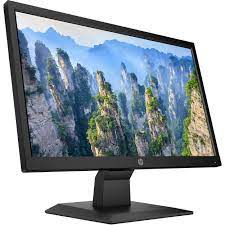
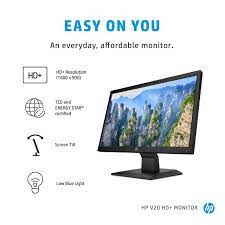
- AN EVERYDAY MONITOR – Answer emails, check your social feeds, and watch the latest shows on a tilt-adjustable monitor that delivers stunning picture quality in a highly affordable style.
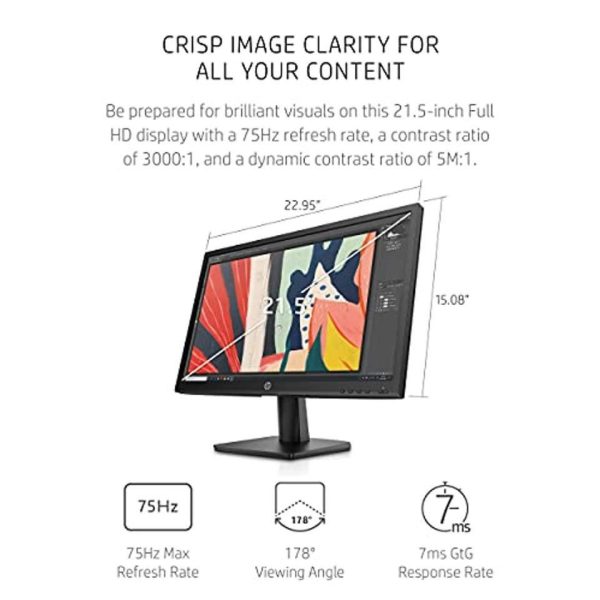
- FULL HD DISPLAY – Be prepared for brilliant visuals on this 21.5-inch Full HD display (1); enjoy colors that pop and superb black levels thanks to its 75Hz refresh rate, a contrast ratio of 3000:1, and a dynamic contrast ratio of 5M:1 (2).
- SHARE THE PANORAMIC VIEW – Get vibrant detail from practically any position with wide, 178-degree viewing angles on a VA panel.
- MODERN CONNECTIVITY – Easily connect additional devices, storage drives, or monitors through the HDMI and VGA ports.
- EASY ON THE EYES – The TÜV certified Low Blue Light Mode subtly shifts your display’s colors to a warmer spectrum while making whites more natural for greater comfort and less eye strain.
- ERGONOMIC ADJUST – Find your best viewing position and stay comfortable during your next binge-watch or marathon project by tilting the screen up to 5 degrees forward or 22 degrees backward.
- NARROW BEZEL DESIGN – Optimized for both looks and efficiency, your monitor's narrow bezel lets you enjoy more of your screen.